Shortcuts, scripts, and webpages—always one click away.
Put macOS Shortcuts, custom scripts, and pinned sites in your menu bar for fast, focused control without leaving your workflow.

A true menu bar hub
One lightweight menu bar entry keeps tools and actions at hand—no desktop clutter, tuned for current macOS on Intel and Apple silicon.
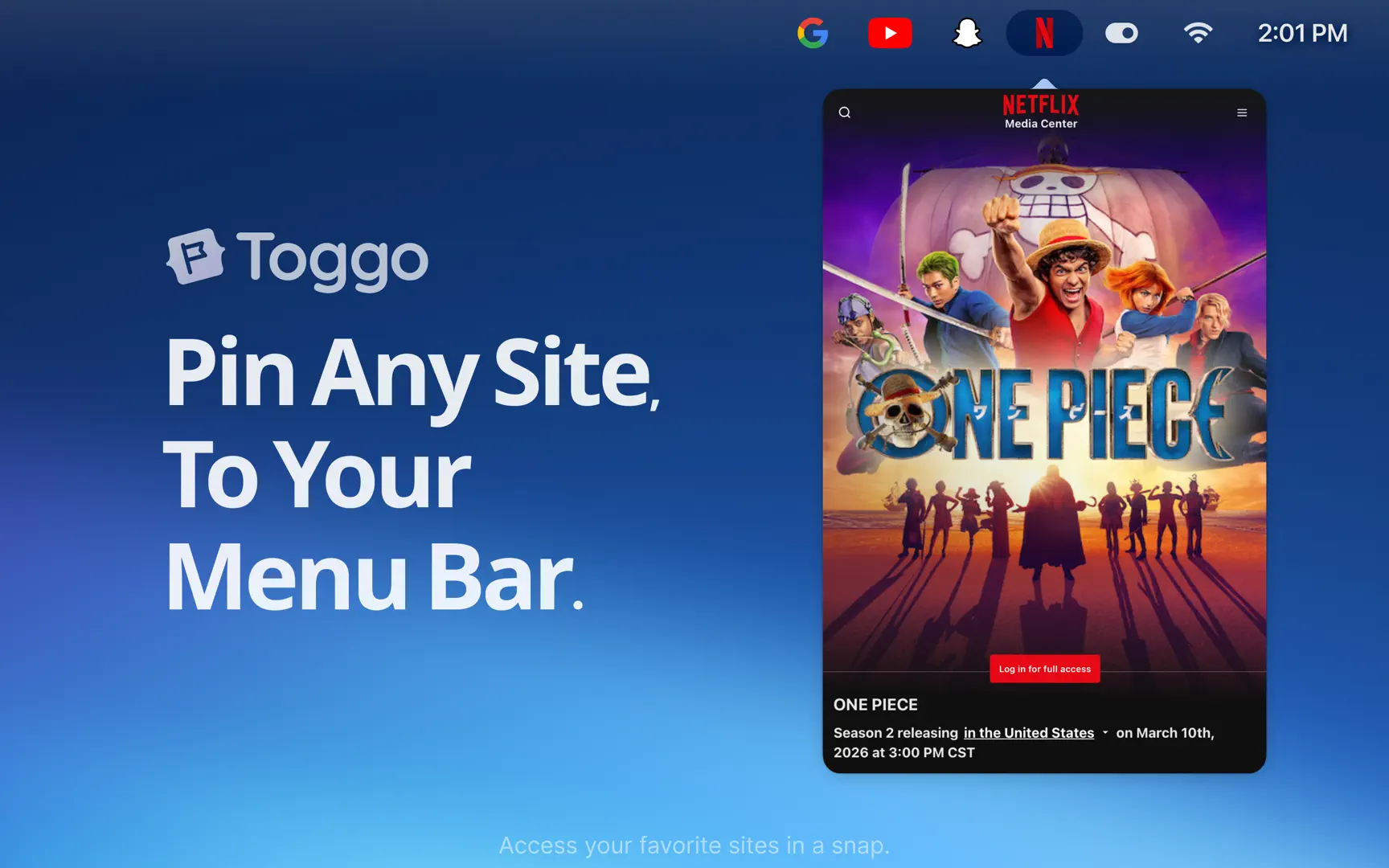
Shortcuts, scripts, and the web
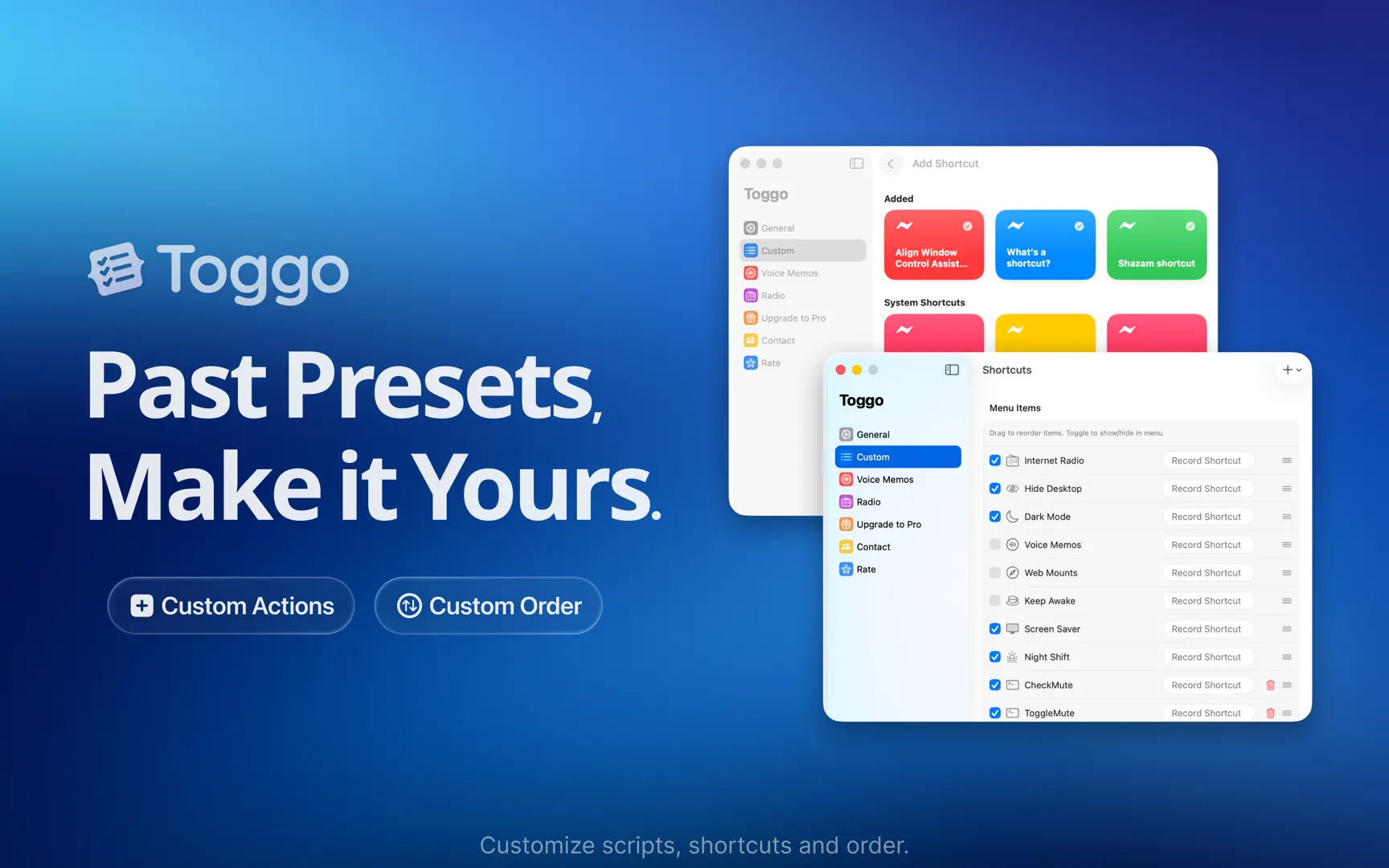
Bring in Shortcuts from the Shortcuts app, run your own scripts, and pin frequently used webpages so everything launches from the same place.
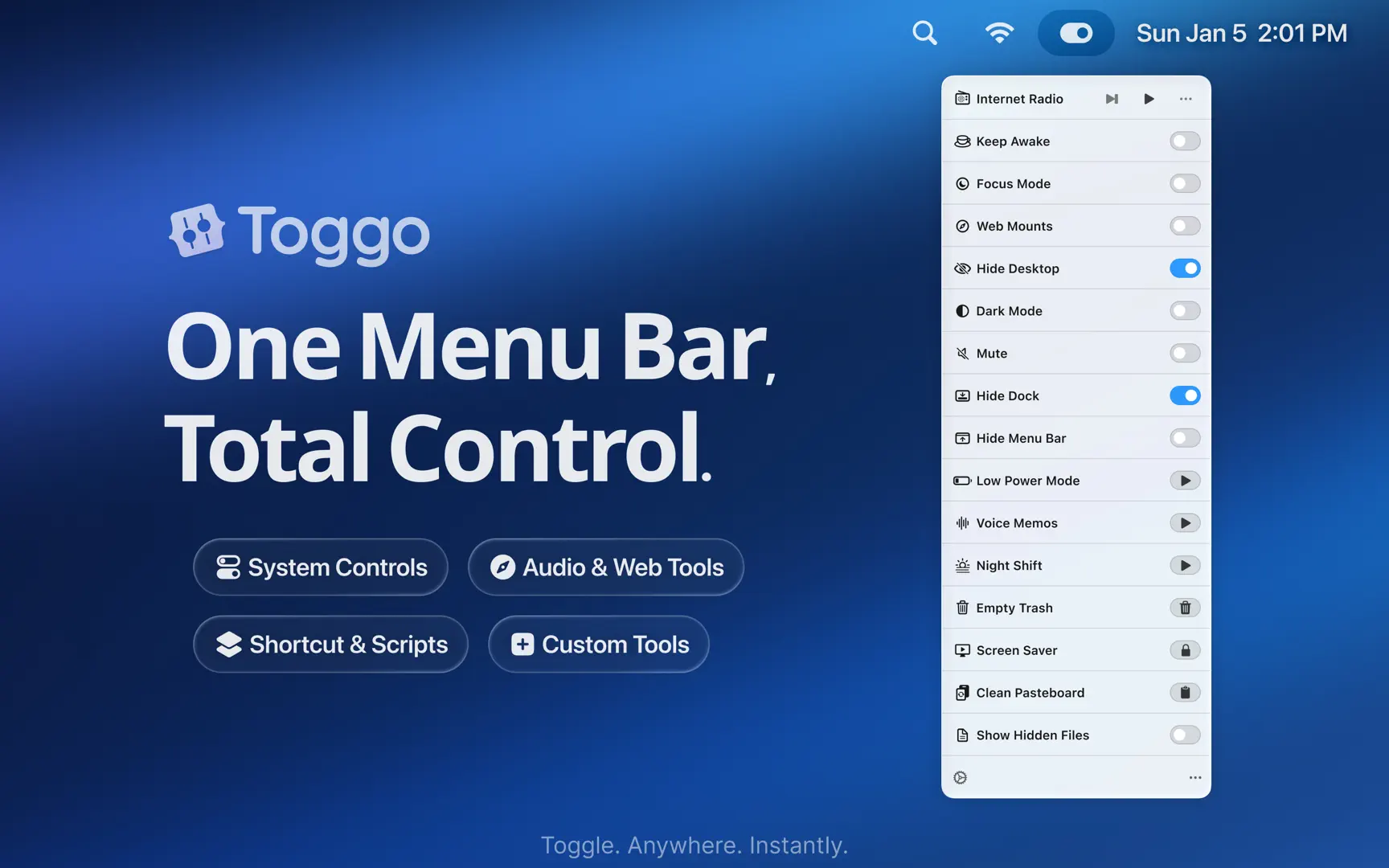
20+ built-in Mac controls
Toggle Dark Mode, Night Shift, desktop icons, Dock and menu bar auto-hide, Bluetooth, Focus, low power mode, empty Trash, clear clipboard, and more—without digging through System Settings.
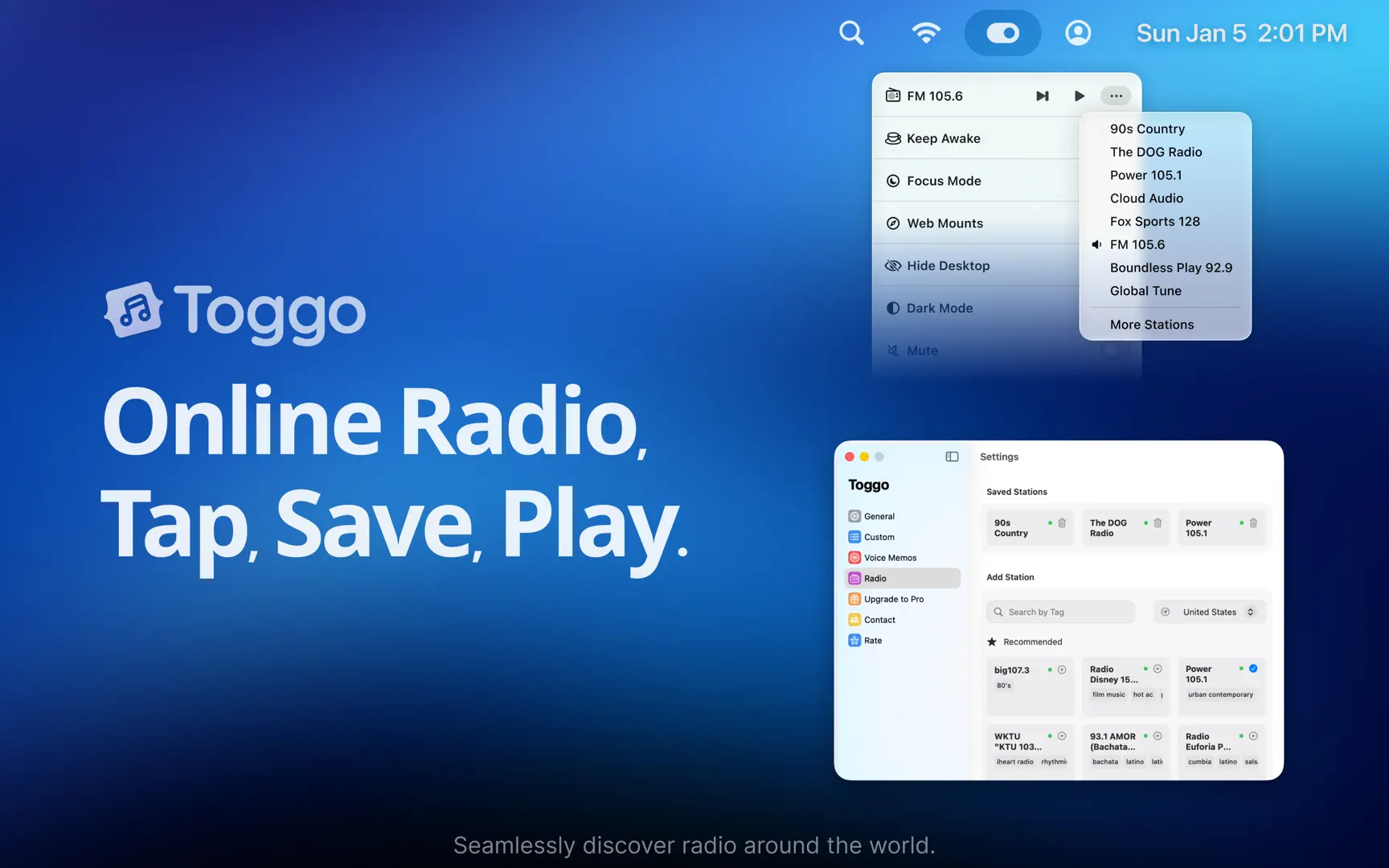
Radio, voice notes, and pinned pages
Stream internet radio, record audio in a tap, and keep important URLs in the menu bar for instant access—no extra apps required for the basics.
Lightweight and privacy-minded
Runs locally with a small footprint so your Mac stays responsive; built for users who want powerful menu bar utilities without noisy tracking.
Streamline your Mac from the menu bar.